














Delivery & Shipping
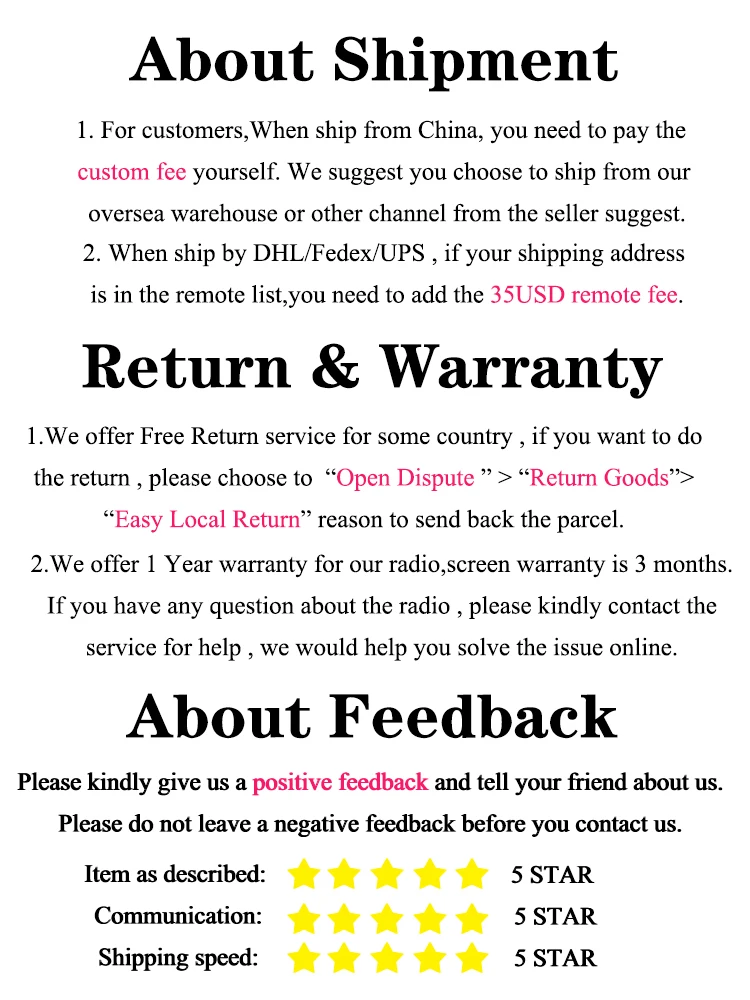
Great news, we offer international shipping services and deliver to over 200 countries. The more of you we can reach the happier we are.
How does your delivery system work?
Packages will be shipped via a courier service which is dependant on the size and weight of the product. All packages are tracked and you will receive an email with this information when your order has been shipped.
Customs fees are not handled by us so please be aware that when you consent to packages being delivered you may incur custom fees when they arrive.
Delivery timings
Delivery timescales depend on the location, please see below our estimated shipping times…
- United States – 7-10 business days
- Canada, Europe – 10-14 business days
- Australia, New Zealand – 10-14 business days
- Central & South America – 10-20 business days
- Asia – 7-14 business days
- Africa – 7-14 business days
Returns & Refunds
Cancellations
Don’t worry, all orders can be cancelled until the point of shipping. All you need to do to cancel an order it contact us as soon as possible.
Refunds & Exchange
We care about you and your customer satisfaction so if you need a refund you can request one no matter what.
If your refund is approved, it will be processed and applied back onto your payment method within 14 working days.
We also offer an exchange service, just contact us as soon as possible and we will take it from there.

Follow us on: