• Image 1
  • Image 2
  • Image 3
  • Image 4
  • Image 5
  • Image 6
  • Image 7
  • Image 8
  • Image 9
  • Image 10

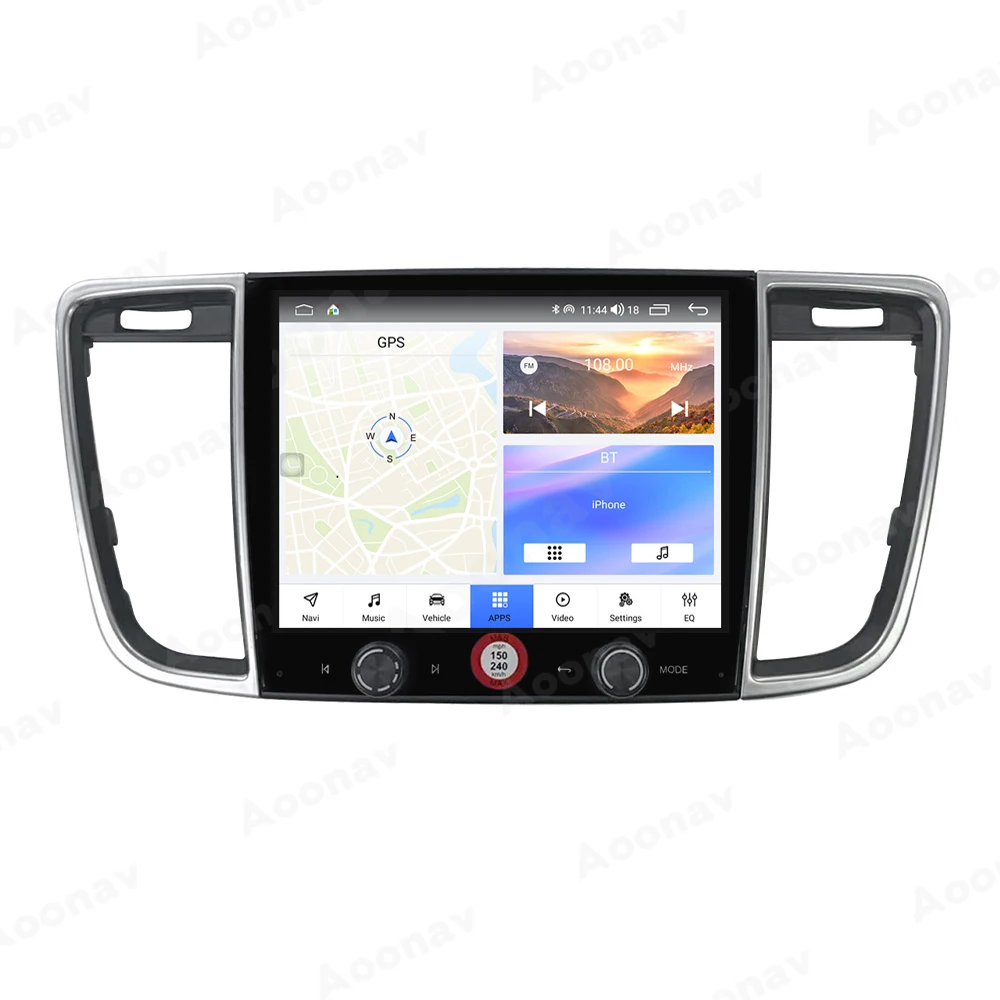
For Porsche Panamera 2010-2017 128GB Android Auto Car Multimedia Player GPS Navigation Radio Stereo Wirless Carplay System 2din

From R8969.73
  • Color:

  • Cores:

30 in stock

Categories:
  • Description

    For Porsche Panamera 2010-2017 128GB Android Auto Car Multimedia Player GPS Navigation Radio Stereo Wirless Carplay System 2din

    Note:

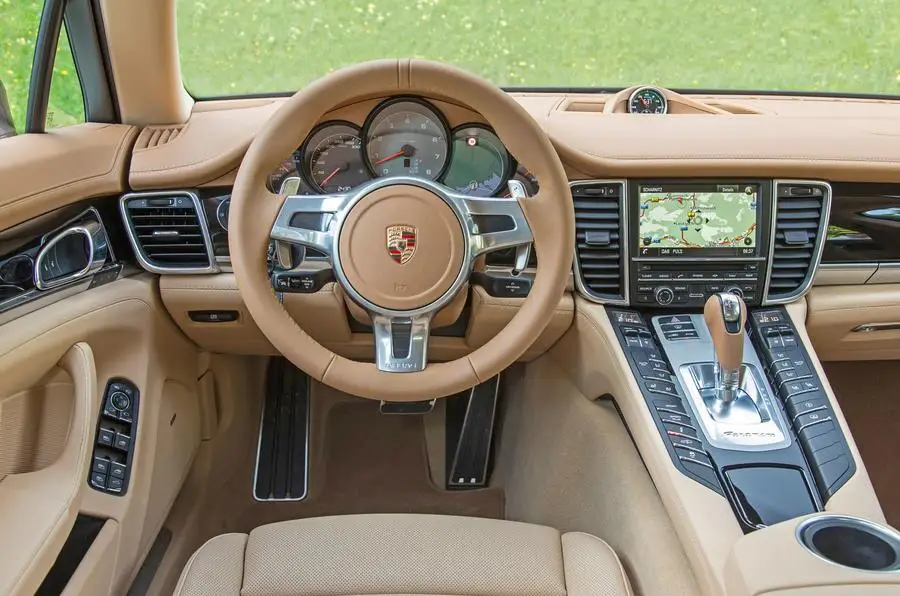
    1.please leave your car’s detail message for us when you are not sure if it is suit for your car.If your car dashboard is the same as the picture as bellow, you can buy this model.

    2)the original car with the logo BOSE needs to add a fiber optic box (please contact me and let me know);

    3)If you don’t have anything, you don’t need to add a fiber optic box.

    Before installation

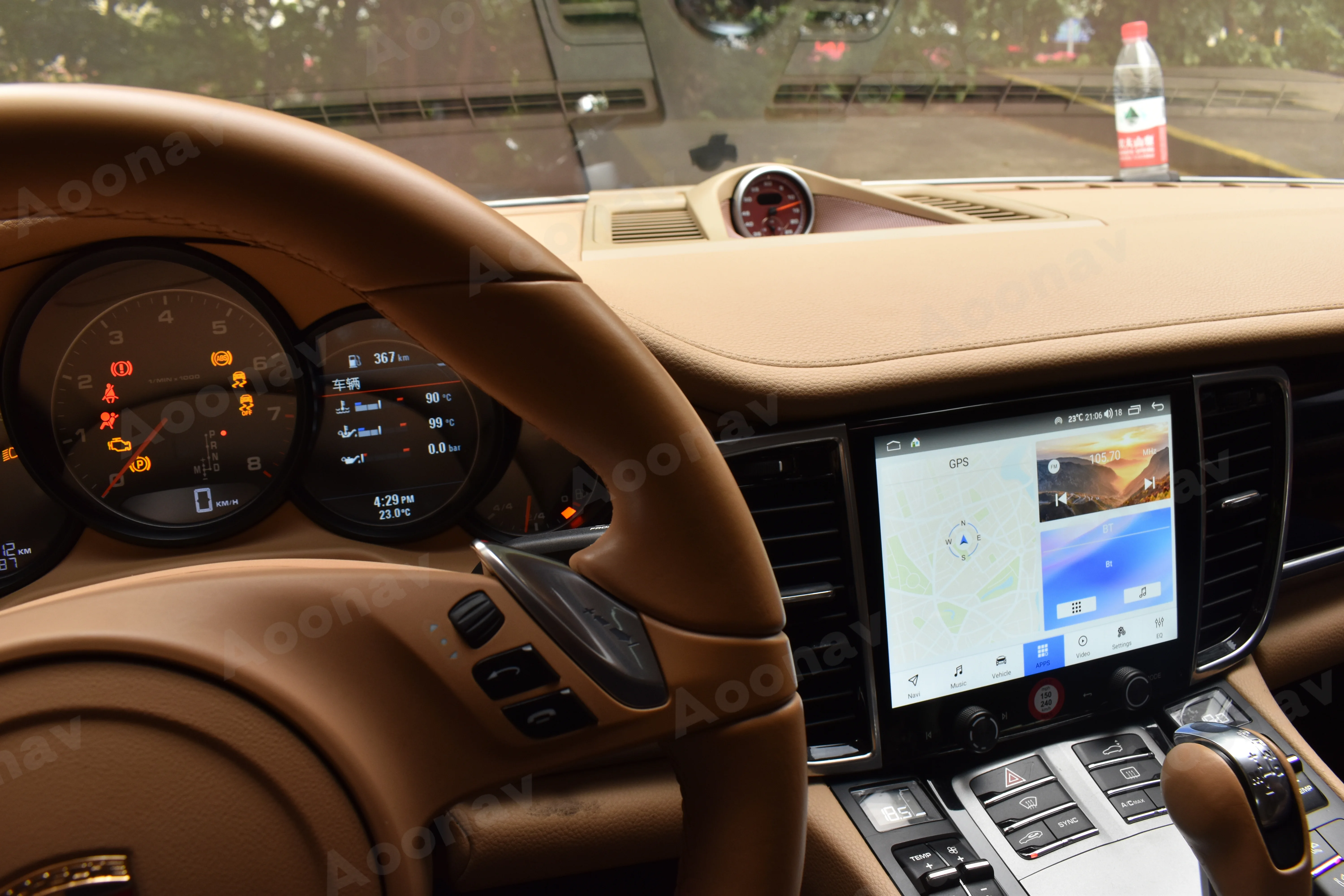
    After installation

    Main Features:
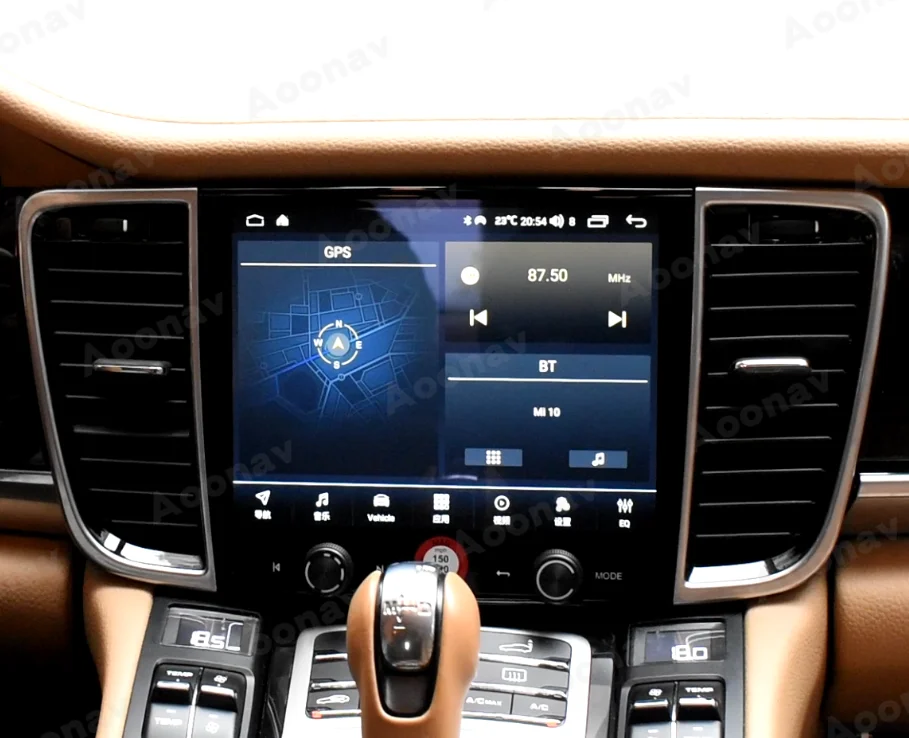
    > For Porsche Panamera 2010-2017 Changing from old to new.
    > 8.4 inch Car radio Large screen,1024*768HD resolution.
    > Three control modes are supported,Touch screen, button, voice control,You could enjoy: Free hands and safe control.
    > Support OBD: diagnose your car status anytime
    > Support Original Steering Wheel Control
    > Support Apple carplay Make your Mobile phone match your car multimedia system.It will Connect your car and mobile phone to realize car-connected application and dual-screen play.
    > Support:Intelligent voice control–Multi Languages.
    > Quality High Running Speed Our machine Equipped vehicle-gradehigh-speed chips,the computing performance has been greatly improved.8G+128G memory collocation, smooth operation.
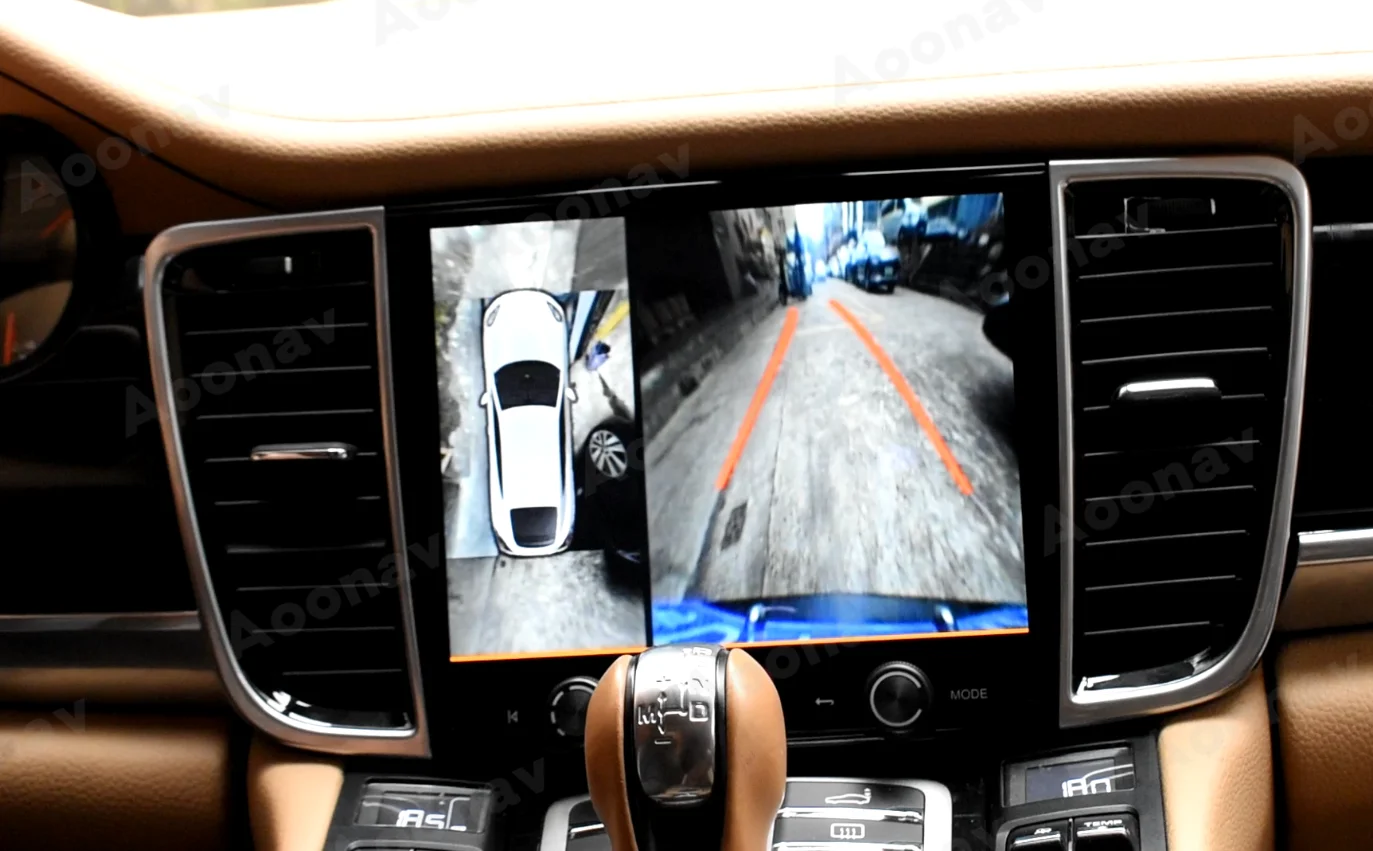
    > Compatible with original front and rear 360 camera and also aftermarket.
    > Plug and Play No programming,Non-destructive installaion way.

    FAQ

    1. How do I know if the radio is right for my car?
    We usually describe compatible cars on the product list page. If you still have questions, please send your car’s central control chart before purchasing to ensure that the product model is compatible, and please send your car model and year to ensure that the CAN protocol is applicable to the original car. Please check if your car has its own rear 360-degree panoramic camera? Please check if the screen of your car has changed? Tell us this information and we will help you confirm it.
    2. What functions does Android Navigation provide?
    Android navigation is like an Android phone. You can install the Android application and GPS navigation through the navigation application selected in the software store. It also retains most OEM features. Other accessories, such as DVR, OBD, rear camera, 360 ° camera, etc.
    3. About installation instructions
    Usually, our products are plug and play, and there are usually wiring diagrams available that show how to connect in a car, so most of the time people can install their own radio. We can also provide real-time help online on request. However, if you are concerned about any damage in your car, it is best to ask a professional to install it.
    4. Which Android applications can be installed?
    You can install all Android applications compatible with the Android firmware version. Google Play is included in the navigation. You can also install apps that are not in the PlayStore by enabling “Unknown sources”.
    5. How to connect navigation to the Internet?
    Our products support the WiFi link function, so if you know the password, you can connect it to any Wi-Fi network. To connect to the Internet from your car, you can turn on your phone’s Wi-Fi hotspot, or you can purchase a dedicated mobile Wi-Fi hotspot for your car.Our products support the WiFi link function, so if you know the password, you can connect it to any Wi-Fi network. To connect to the Internet from your car, you can turn on your phone’s Wi-Fi hotspot, or you can purchase a dedicated mobile Wi-Fi hotspot for your car.

Follow us on:

Subscribe to our Newsletter
Please wait...