Dual-Channel with Outstanding Image Quality
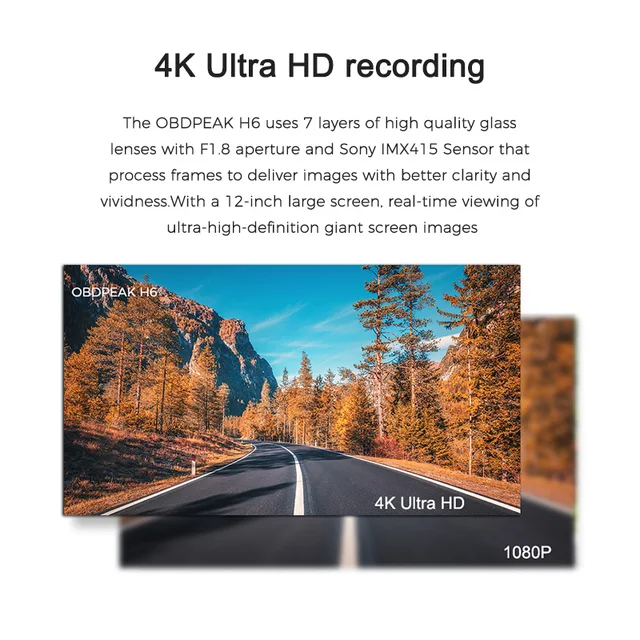
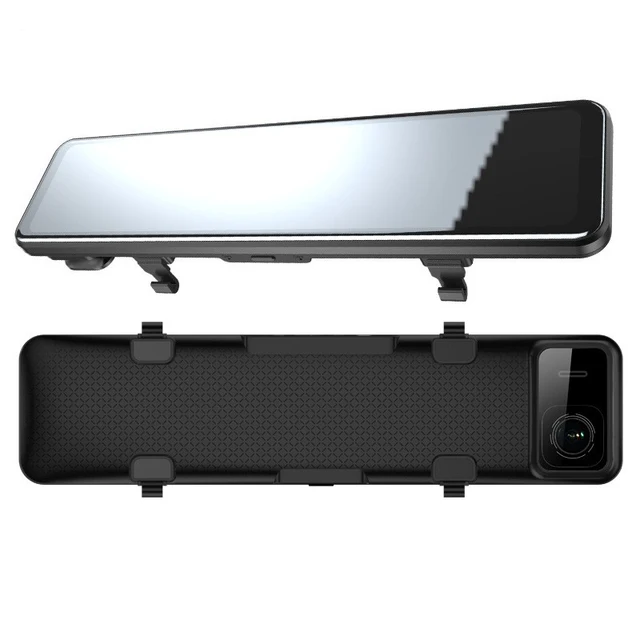
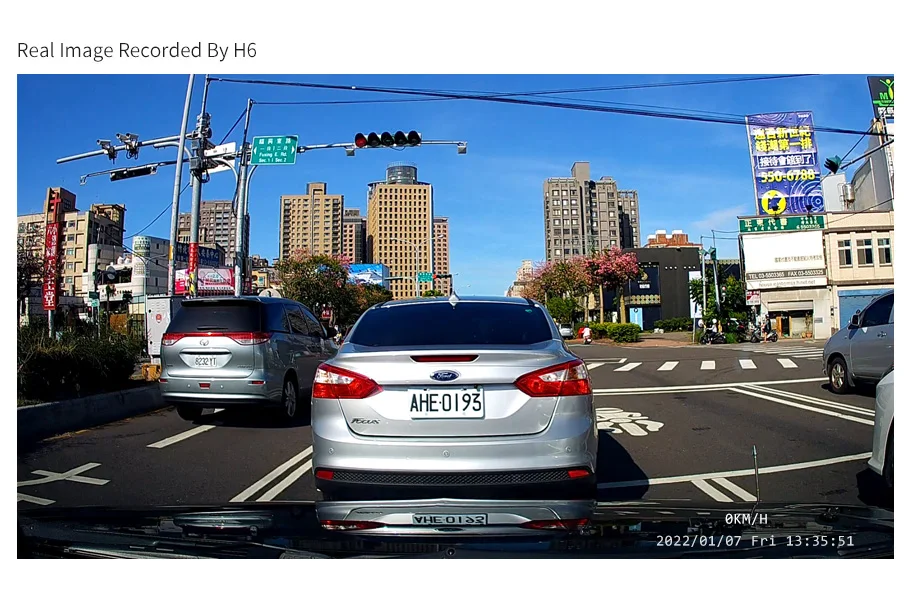
4k front camera, cooperate with the advanced Sony IMX415 sensor can greatly enhances night vision and obtain sharp. Featuring high sensitivity and low noise. And with a 12-inch large screen, real-time viewing of ultra-high-definition giant screen images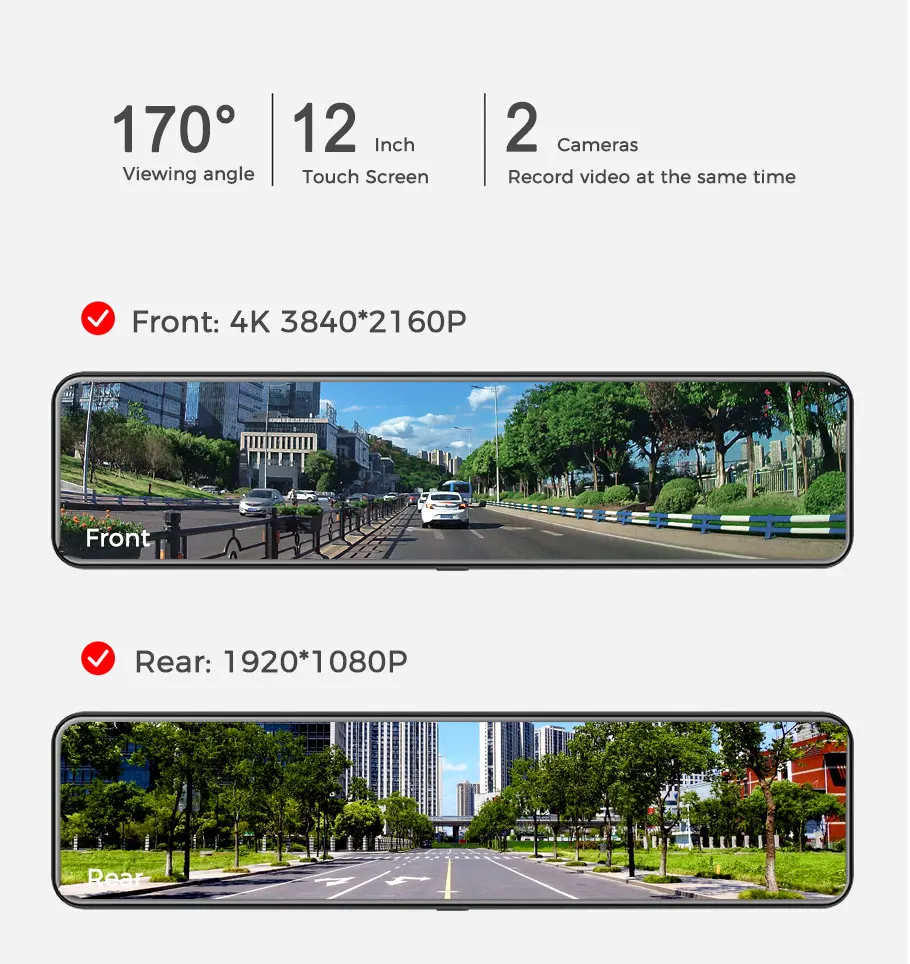
Super Night Vision
The OBDPEAK Mirror Dash Cam uses strong light suppression and AHD technology to provide very clear and soft images for drivers at night. It can capture more details whether at night or during the day.
UHD 4K, Stunning Details
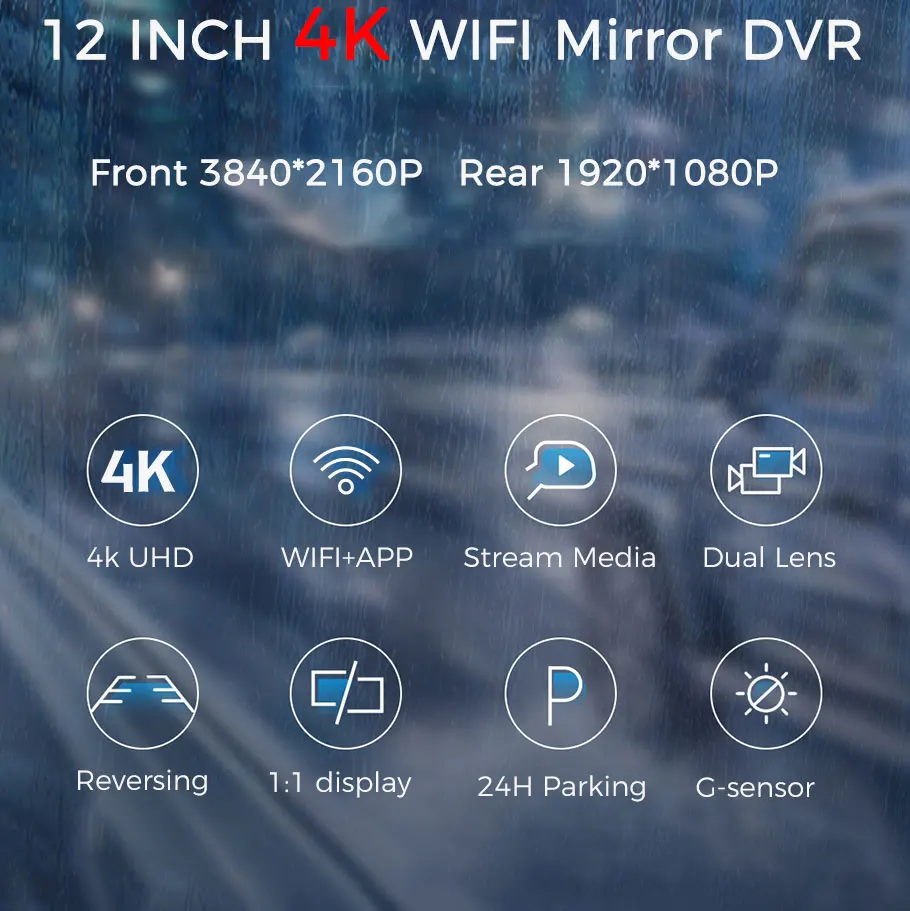
4K HD quality, restore real driving details. Distinguish from other 1080P dash cam, OBDPEAK DVR provides a video resolution high up to 3840*2160@24fps, 2560*1440@30fps and 1920*1080@30fps
In-app video download & real-time viewing
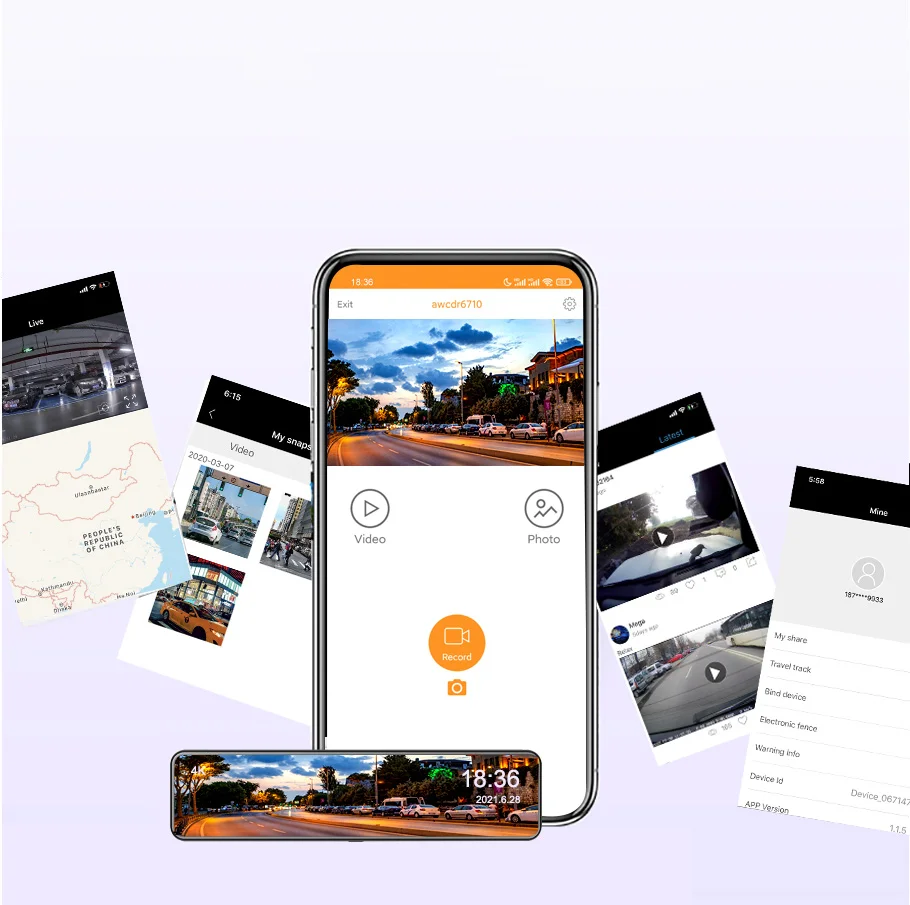
You can control the DVR by connected mobile phone via WiFi, like recording video, the file recorded video from the overwriting, taking photo, playback preview, parameter settings, etc.
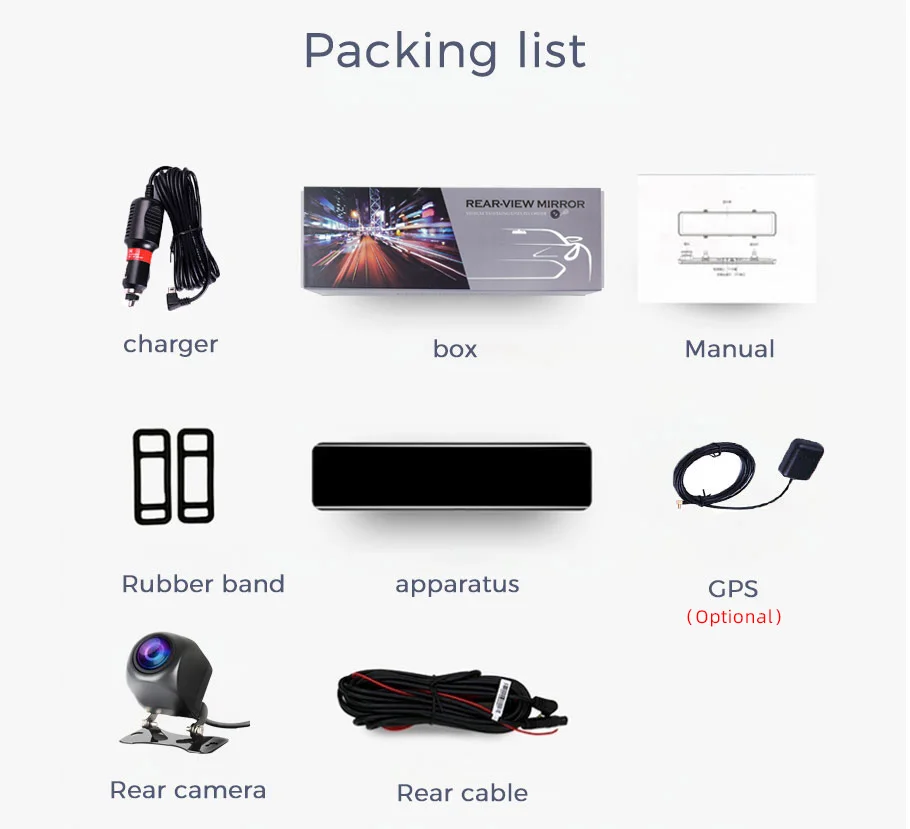
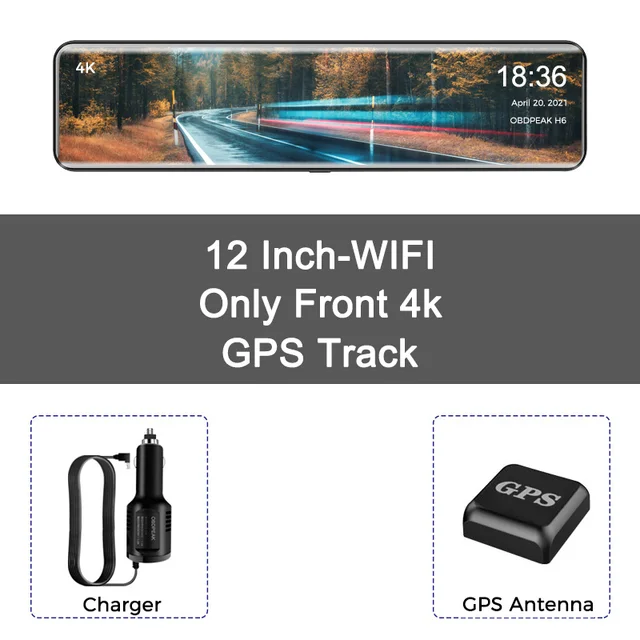
With GPS antenna
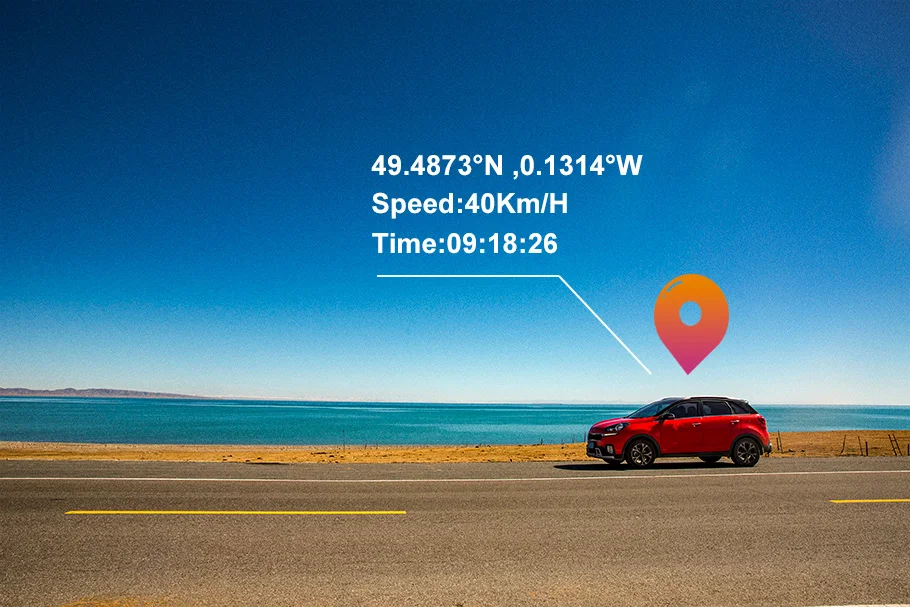
The global satellite positioning system accurately records your driving trajectory. Dedicated player, playback display is more detailed. You can view your speed, coordinates, map track in detail.
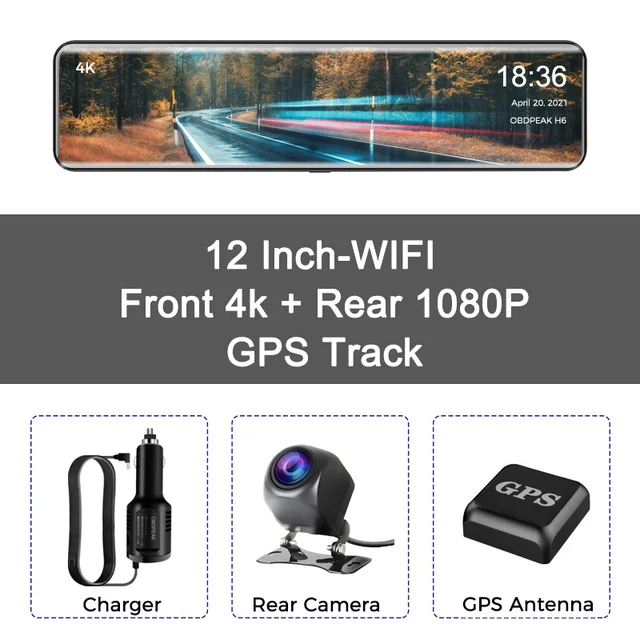
1:1 display&Rear View Camera
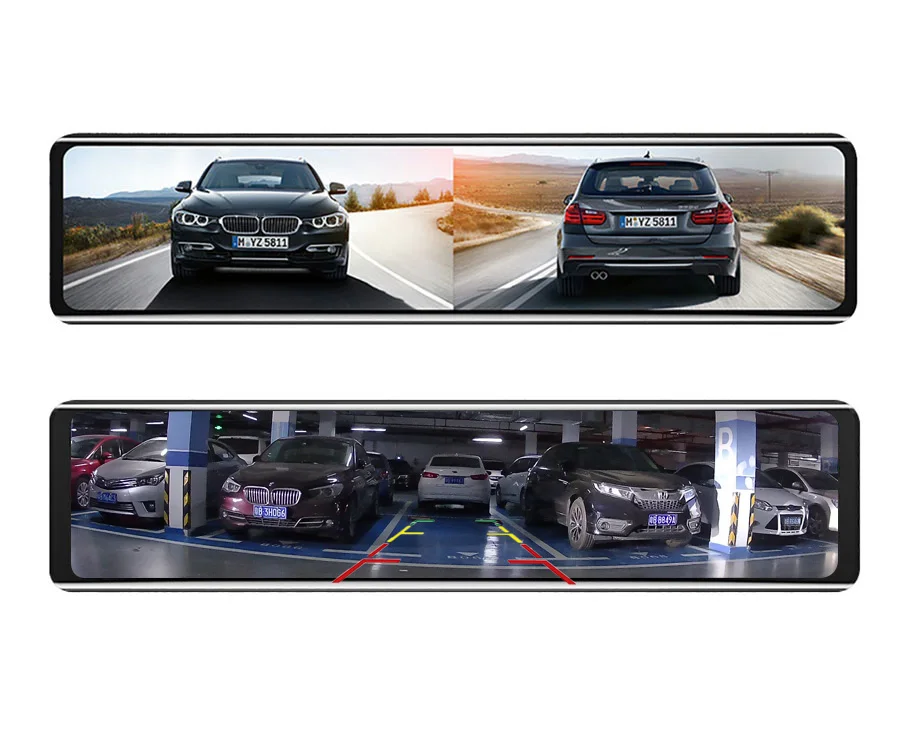
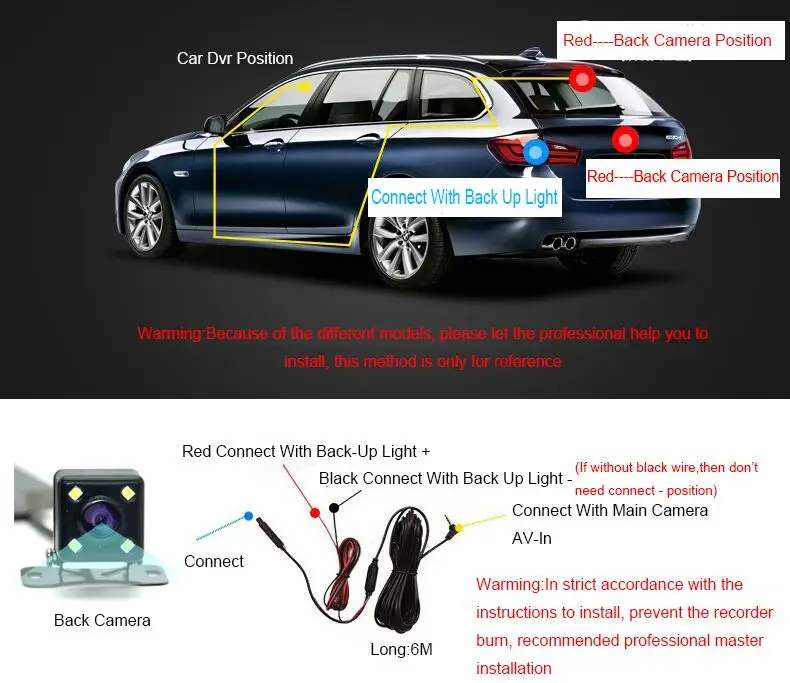
OBDPEAK H6 supports full screen display, Front and Rear 1:1 display. And the 1080P high-definition waterproof rear-view camera is as clear as day and night. It automatically switches the screen when reversing and supports the reversing auxiliary line, making reversing easier and more at ease.
(Need to buy with Rear Camera version)
24-Hour Parking Surveillance
If DVR be shocked by any external forces like thief while parking, it’s Parking Mode function will turn on to recording automatically(Need to buy Hardware Kit)
For Parking Surveillance Mode
Ensures power for the dash cam to continue operating while the car parked. 


FAQ
Q: How to download and connect to the mobile APP
A:1. Open the settings, click “WIFIswitch”, and then click “Open” to turn on WIFI
2. Open the settings, then click “WIFIinformation”, scan the QR code to download the APP
3. APP name: Roadcam
2. Connect the mobile phone to the WIFI account and password displayed on the mirror screen to connect to the APP

Q: How to change the mirroring effect of the rear camera?
A: Open the settings, click on ‘Back Mirror’, select either on or off
Q: Why can’t the screen be operated when connecting to the APP?
A: The mobile phone controls the machine when connected to the APP, so the machine screen cannot be operated
Q: How to install GPS correctly?
A: Please paste the GPS on the top of the windshield of the vehicle to ensure that the GPS Signal is unobstructed
Q:How to solve the automatically restart problem
A:The majority of the automatically restart problem is caused by the power supply or Micro SD card, please try the solution step by step:
1. Move your H6 to your house and use another charging cable to connect the power resource.
2. Please use another Micro SD card if step 1 doesn’t work
3. If step 1 and step 2 do not work, please take a video and contact us
Q:How to choose a good Micro SD card for theOBDPEAK Dash Cam H6?
A:The 4K resolution needs a high standard Micro SD card, which needs a U1&Class 10 standard memory card. Please make sure that your Micro SD card has U1 and Class 10 logo.
Q: How to activate parking surveillance mode?
A:The parking surveillance mode can only be activated by installing the OBDPEAK hardware kit. You will be able to enable the parking surveillance mode in video settings list after installing the hardware
About Feedback
If any questions, please contact us in advance, we will help you solve it at the first time.
If you are satisfied with our items, please leave a 5 star feedback on website to help others to know the items more.Appreciate your kind feedback and support.










Follow us on: