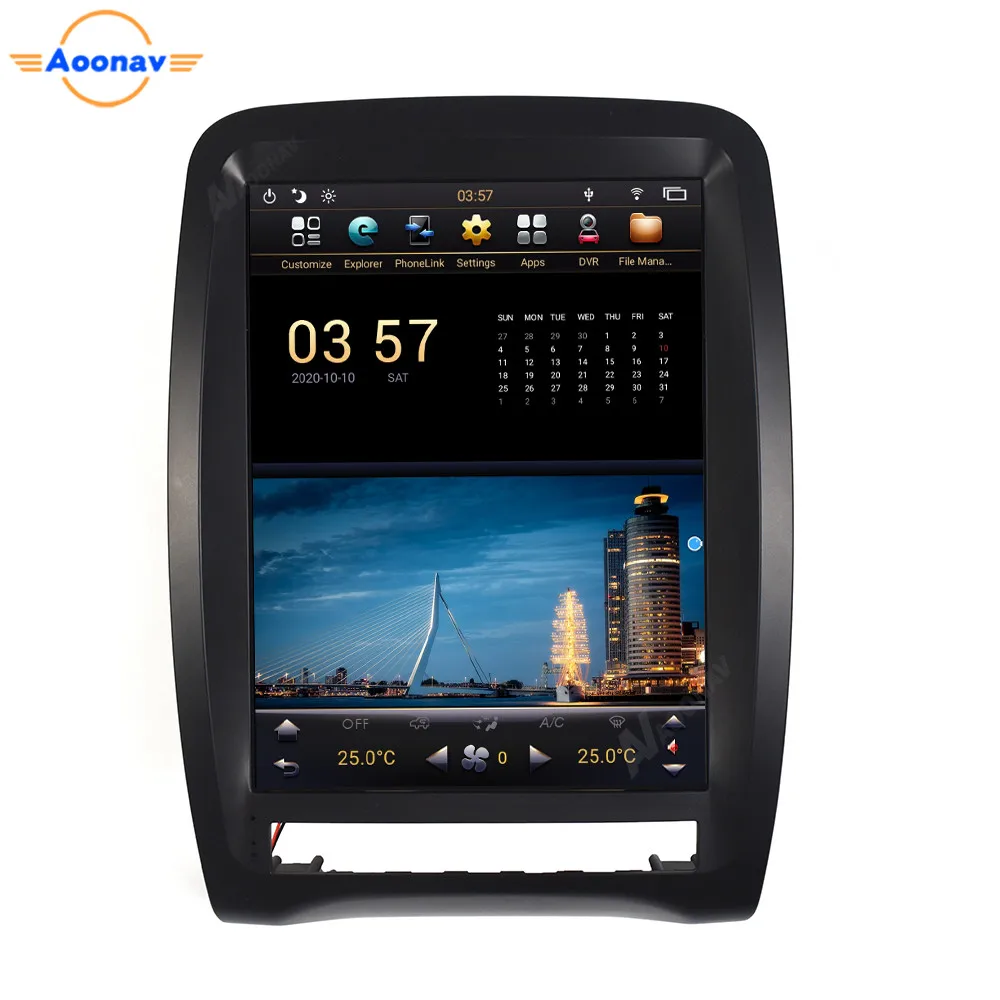
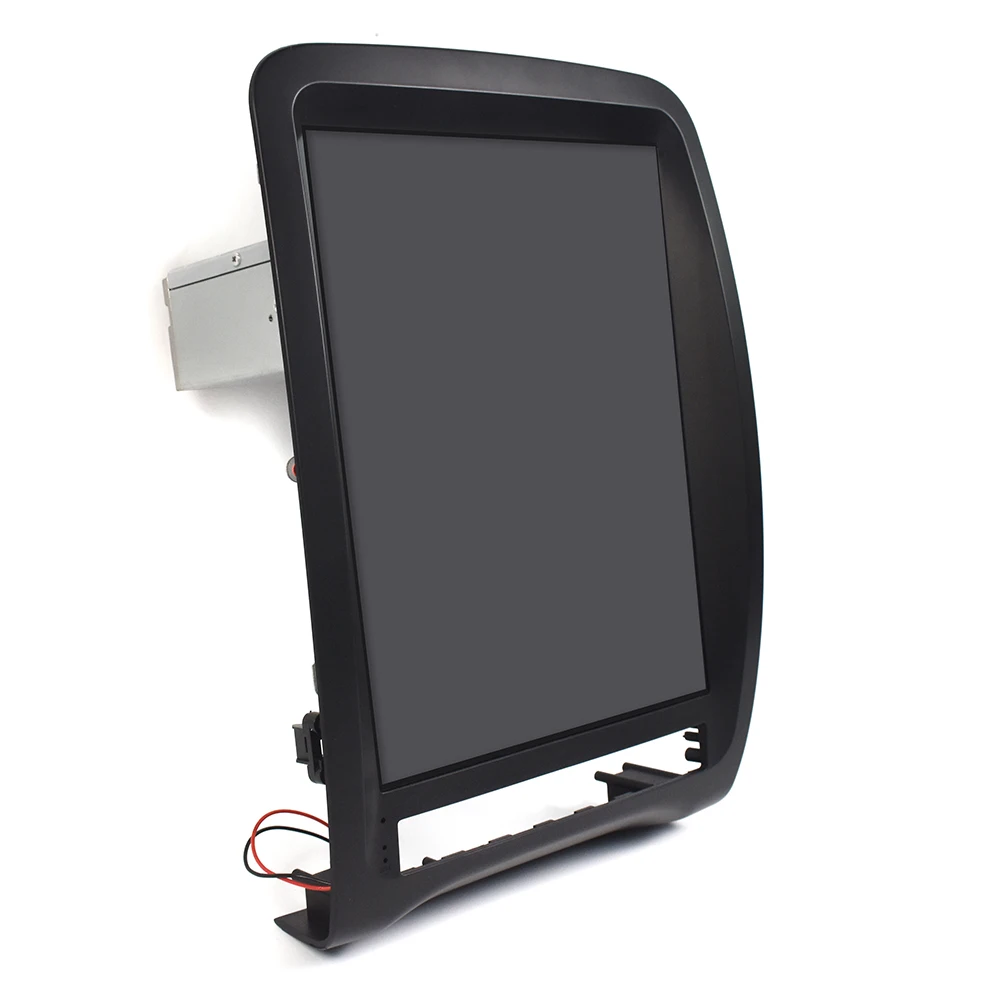
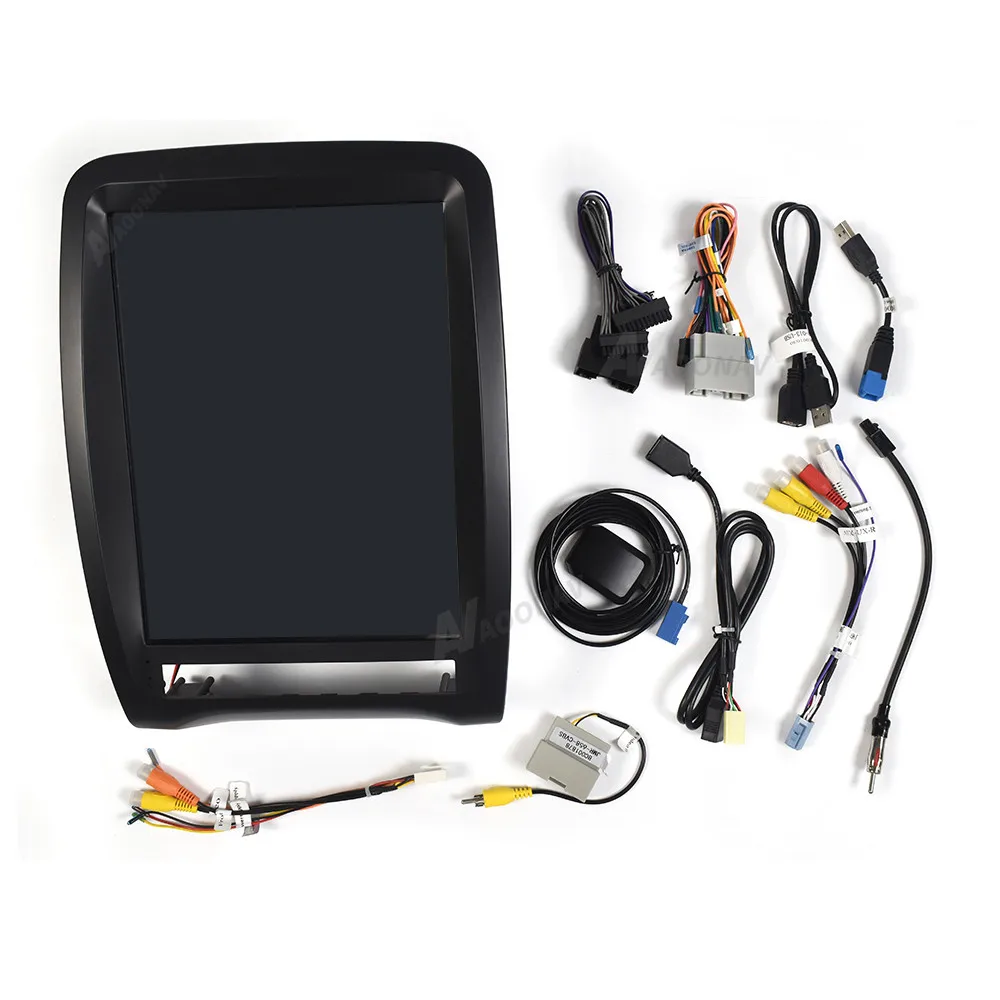
2 DIN Android Car radio for Dodge Durango 2012-2020 car stereo tape recorder Tesla style AUTO radio multimedia player head unit
Note:
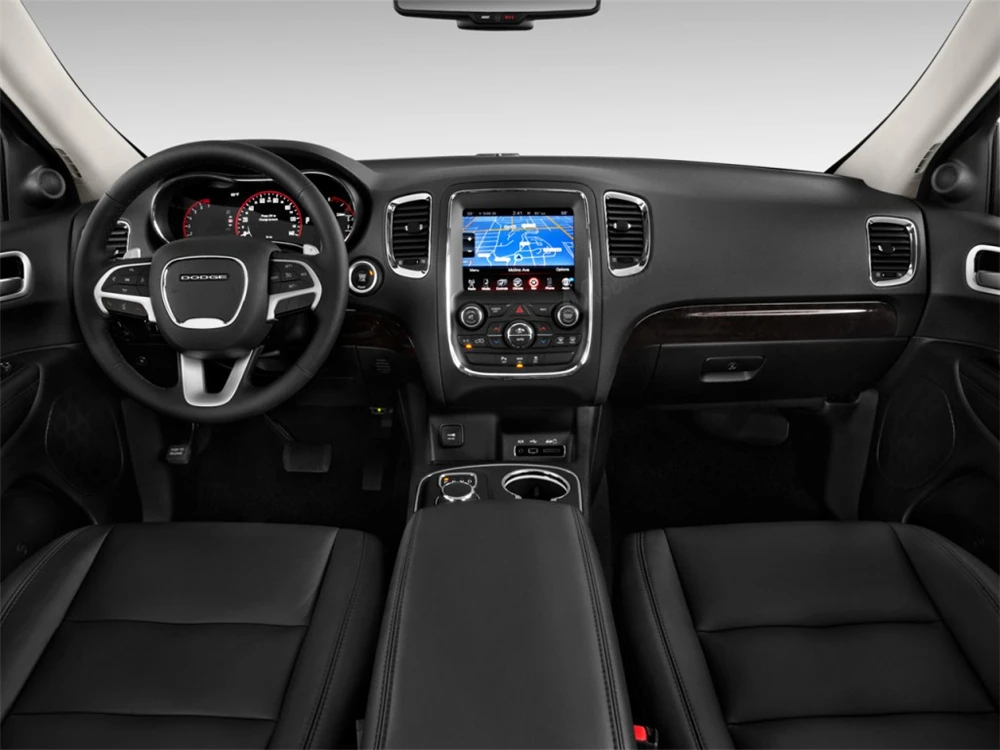
Before installation
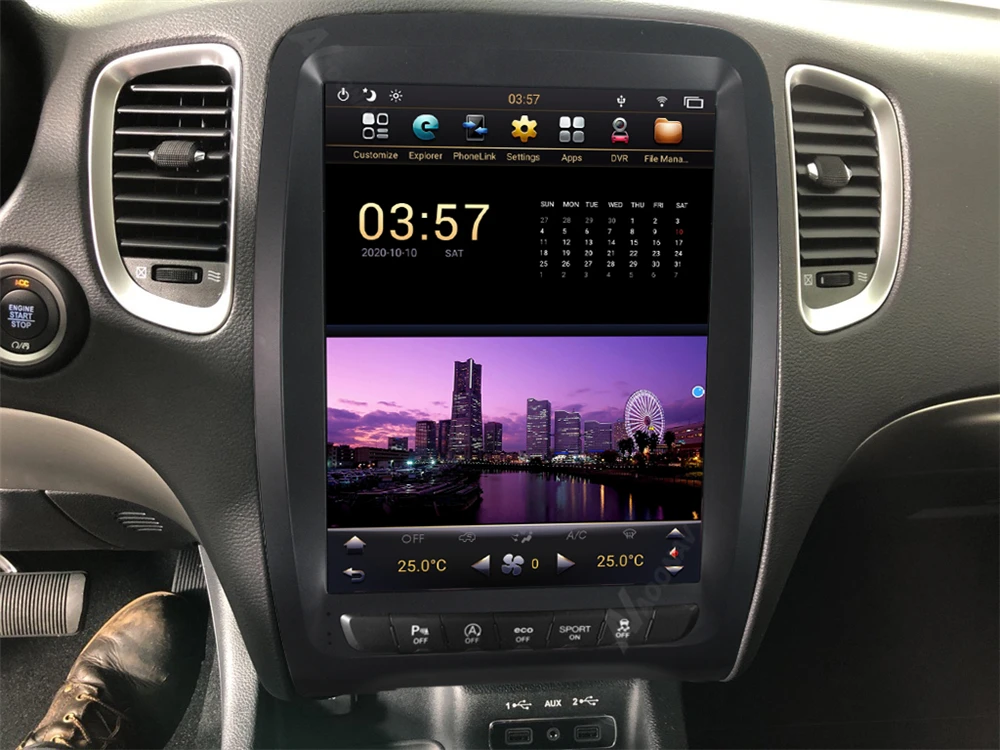
After installation
System:
1.Operating system: 9.0
2.Memory: Standard 4GB (LPDDR4) + 32GB (eMMC) / 4GB (LPDDR4) + 64GB
3.Video format: Support HD 1080P / 4K ISP screen
Screen resolution:1280*800 digital
Features:
1.USB port: USB2.0host / USB OTG
2.Built-in wifi (RTL-8189ETV–CG)
3.Built-in BT, BT 5.0 phone freehand call synchronization contact list
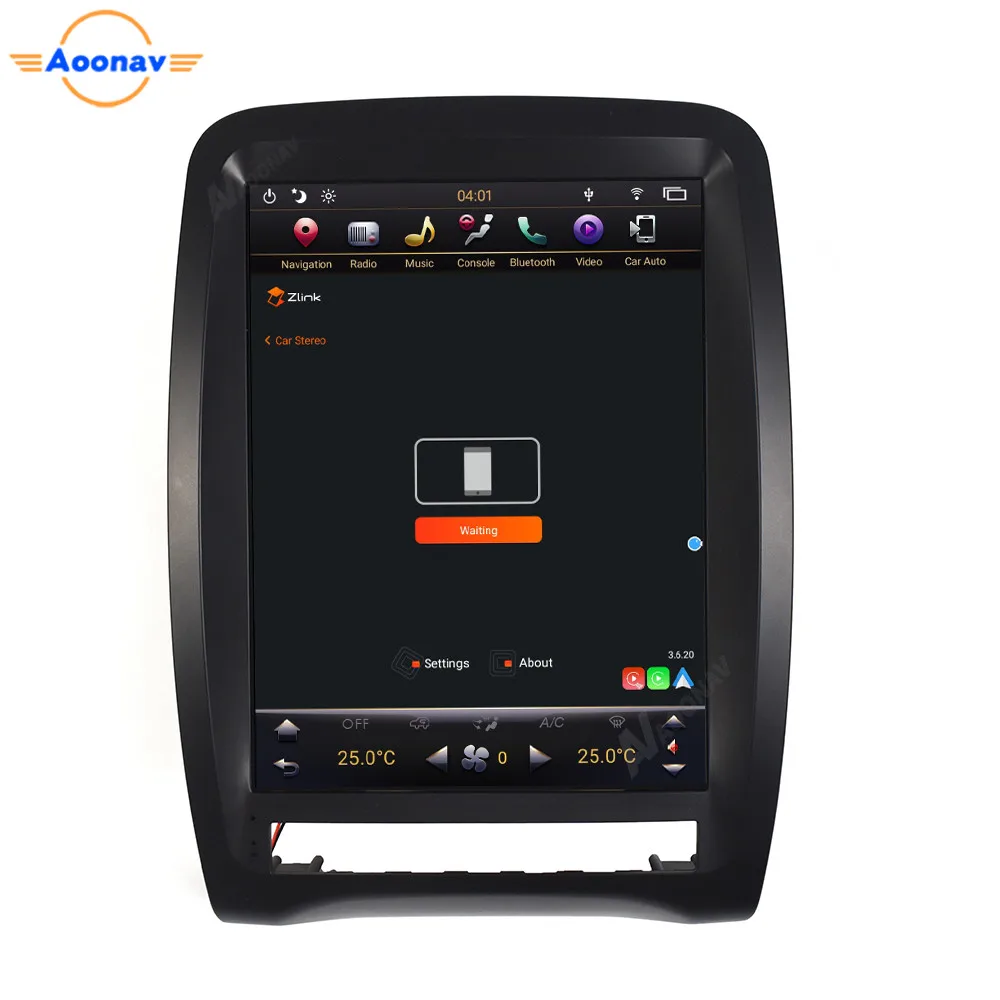
4.Supports Apple Phone (CARPlay), Android Phone (Android Auto) mobile phone interconnection function
5.Built-in Google Play Store app, download the apps you need
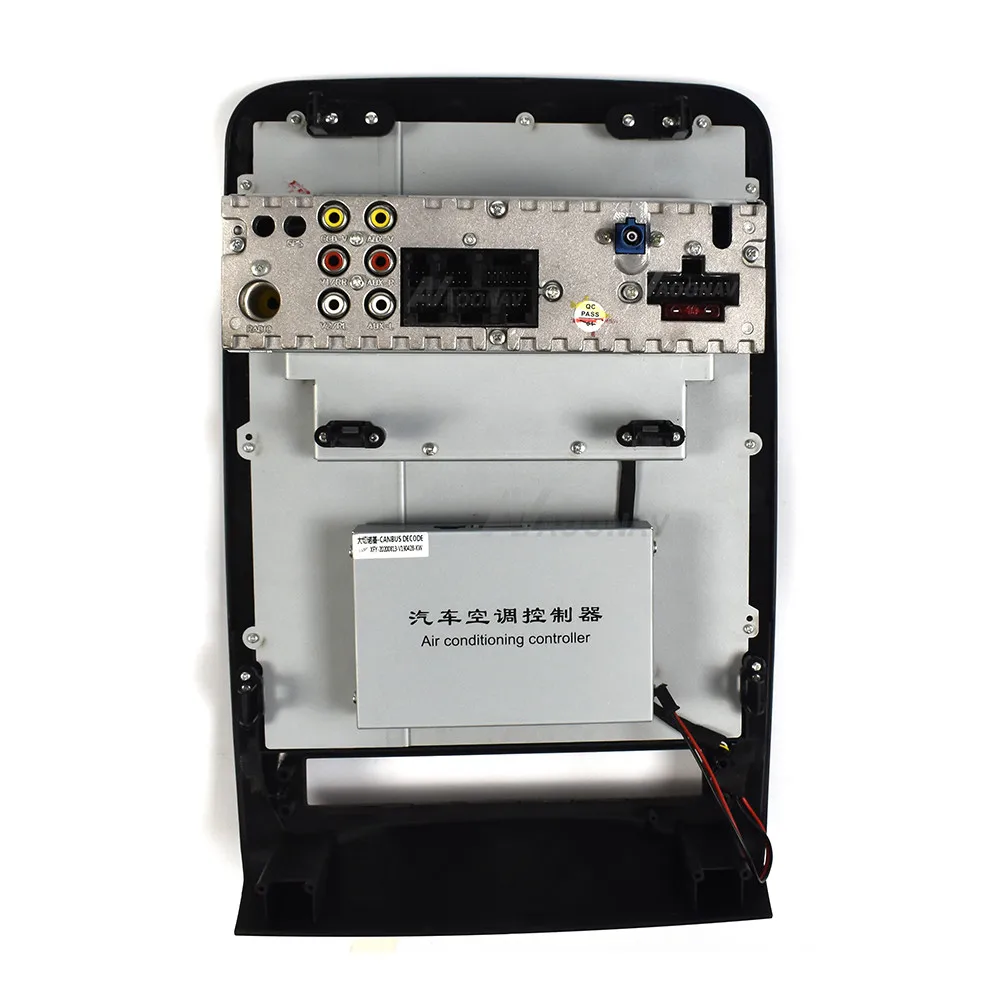
6.Support original car functions (such as air conditioning, atmosphere lights, steering wheel function, etc.)
 ABOUT US
Shenzhen Meilishu Technology Co., Ltd. is one of China’s leading professional manufacturers of automotive multimedia player systems. We focus on the development, production and marketing of various car DVD players, navigators and the latest Android Car DVD players, which have high technology and rich experience. 
FAQ
1. How do I know if the radio is right for my car?
We usually describe compatible cars on the product list page. If you still have questions, please send your car’s central control chart before purchasing to ensure that the product model is compatible, and please send your car model and year to ensure that the CAN protocol is applicable to the original car. Please check if your car has its own rear 360-degree panoramic camera? Please check if the screen of your car has changed? Tell us this information and we will help you confirm it.
2. What functions does Android Navigation provide?
Android navigation is like an Android phone. You can install the Android application and GPS navigation through the navigation application selected in the software store. It also retains most OEM features. Other accessories, such as DVR, OBD, rear camera, 360 ° camera, etc.
3. About installation instructions
Usually, our products are plug and play, and there are usually wiring diagrams available that show how to connect in a car, so most of the time people can install their own radio. We can also provide real-time help online on request. However, if you are concerned about any damage in your car, it is best to ask a professional to install it.
4. Which Android applications can be installed?
You can install all Android applications compatible with the Android firmware version. Google Play is included in the navigation. You can also install apps that are not in the PlayStore by enabling “Unknown sources”.
5. How to connect navigation to the Internet?
Our products support the WiFi link function, so if you know the password, you can connect it to any Wi-Fi network. To connect to the Internet from your car, you can turn on your phone’s Wi-Fi hotspot, or you can purchase a dedicated mobile Wi-Fi hotspot for your car.










Follow us on: